
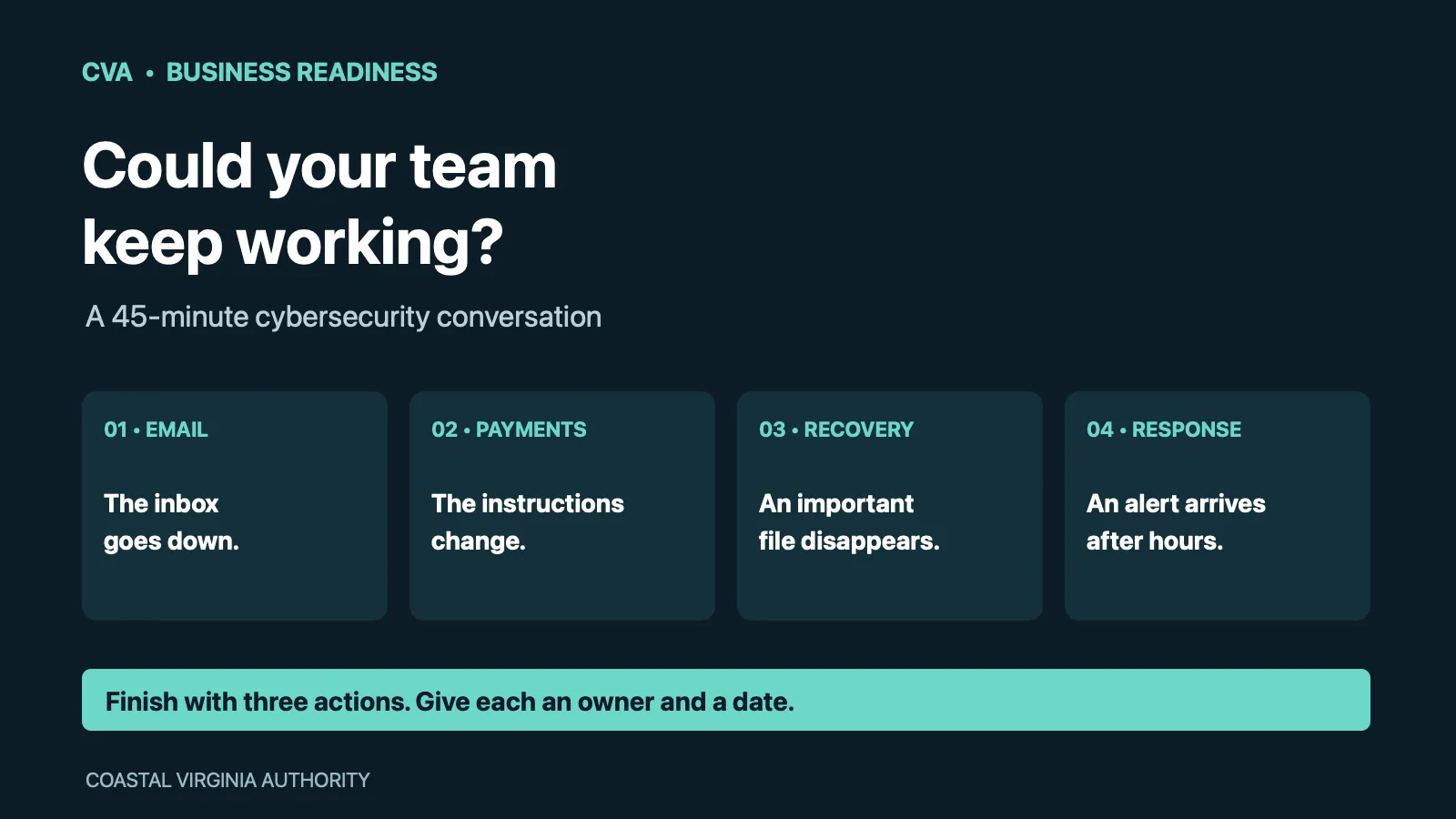
If company email stopped working at 9 a.m., could your team still reach customers, approve a payment and find the person responsible for recovery? For a contractor coordinating crews, a professional firm waiting on client files or a hospitality business managing bookings, that question belongs in an ordinary business meeting.
You can begin with a 45-minute conversation. The exercise below is an original CVA planning worksheet, using fictional situations rather than a report of a local attack. It is a discussion around the table: do not disable accounts, disconnect equipment or send deceptive messages to employees.
Bring the people who keep the business moving
Invite the owner or operating manager, the person who handles payments and a representative responsible for technology. If your IT support is external, include that provider. Bring a current contact list, the service agreement and a blank page headed Question · Owner · Next step · Due date.
NIST’s Small Business Quick-Start Guide recommends understanding the systems a company depends on, identifying responsibilities and planning for response and recovery. Use those principles to turn broad concerns into decisions you can record.
Minutes 1–10: the inbox is unavailable
The scenario: no one can access the shared scheduling inbox. The morning’s appointments and supplier messages are there.
- Which work can continue, and which work must wait?
- Where would you find customer and vendor contacts without opening that inbox?
- Who can reach the email provider, and where is that contact information stored?
- What would the receptionist, dispatcher or project manager tell customers?
Choose one essential task and describe its temporary process. Avoid an answer such as “someone will use their personal email” unless your team has already approved how business information would be protected and recorded.
Minutes 11–20: the payment instructions change
The scenario: an apparently familiar supplier asks you to send an outstanding payment to a new account. The message says the deadline is today.
Ask the person who normally pays invoices to walk through the next step. Which known telephone number would they use? Who provides the second approval? What happens if the usual decision-maker is unavailable?
The FTC advises checking unexpected requests through a contact route you already know is correct, rather than using the telephone number supplied in a suspicious message. Make that an ordinary business rule that applies even when a request appears to come from the owner. Read CVA’s guide to verifying convincing payment requests for a fuller team discussion.
Minutes 21–30: yesterday’s work needs to come back
The scenario: an important folder has disappeared. Someone says, “We have backups.”
Ask what that means for this particular folder. Who can request restoration? When was a restore last demonstrated? How much recent work could be missing? Which other applications depend on the same account?
Record the evidence you need from your provider. A reassuring answer is less useful than a dated test result explaining what was restored and what remained unavailable. NIST’s recovery guidance emphasizes checking backup integrity before restoration and prioritizing recovery around the organization’s needs.
Minutes 31–40: the warning arrives after hours
The scenario: an employee sees a suspicious sign-in notification on a Saturday evening.
Find the actual reporting route. Identify who receives the report, who makes decisions and who can contact specialist support. Open the agreement together: does it include security monitoring, investigation and incident response, or only routine technical support? Write down the unanswered questions instead of assuming “managed IT” covers every service.
Keep the discussion focused on roles and communication. Technical containment decisions should follow the company’s response plan and qualified advice. NIST’s incident-response resources can help your team develop that plan.
Minutes 41–45: choose three improvements
End with three specific assignments. Examples might be a contact list available during an email outage, a documented payment-verification procedure and a scheduled backup-restoration review. Give each an owner and a date.
Keep a separate list of technical follow-ups, such as multifactor authentication coverage, software updates and access for former employees. The FTC’s small-business guidance covers these practical safeguards alongside training and response planning.
At the next meeting, check what actually changed. A useful exercise leaves the business with clearer responsibilities, better questions and a short record of work completed.
Keep building your plan
Use CVA’s Technology & Cybersecurity Guide to organize the broader program, and our managed IT and cloud guide when comparing outside support. Return to Technology & Cybersecurity for more practical business reading.


